Why painters search for a Sherwin-Williams paint visualizer
Two kinds of people search "Sherwin-Williams paint visualizer." The first kind is a homeowner who heard SW has an app and wants to try a color on their living room photo. Sherwin-Williams' own tools handle that well. The second kind is a painting contractor who spec's Sherwin-Williams on most of their jobs and wants a tool that fits their workflow, not the homeowner's. That's a different problem.
Sherwin-Williams ships several visualization tools. None of them was designed for the painter standing at a homeowner's kitchen table trying to close a $4,800 exterior bid. That's the gap, and that's what this page is about.
What Sherwin-Williams' visualization tools actually do
Sherwin-Williams' visualization product family has three main pieces in 2026:
Color Visualizer (web). The original tool, available right on sherwin-williams.com. Pick from a stock library of room photos or upload your own, click colors from the SW palette, see the room rendered in those colors. Works on desktop and mobile browsers. Free, no account required.
ColorSnap Visualizer (mobile + web). The newer app, available for iPhone and Android. Roughly 1,700 colors, a phone-camera mode for previewing colors on real walls, and the same homeowner-facing color exploration as the web tool. Free.
SherMatch+ (formerly ColorSnap Match). A pro-leaning app that scans a non-metallic surface (a wall, a paint chip, a fabric swatch) and returns the closest SW match. The Plus subscription tier adds custom color matching, with one-of-a-kind colors made exclusively at SW stores rolling out in early 2026. Useful when a customer wants to preserve an existing color or match a sample they brought from home.
All three tools are real, current, and free or low-cost. Painters who spec Sherwin-Williams should know they exist. None of them, however, addresses the actual reason most painting estimates die: the homeowner can't picture the finished result on their specific house.
Where Sherwin-Williams' tools fall short for painting contractors
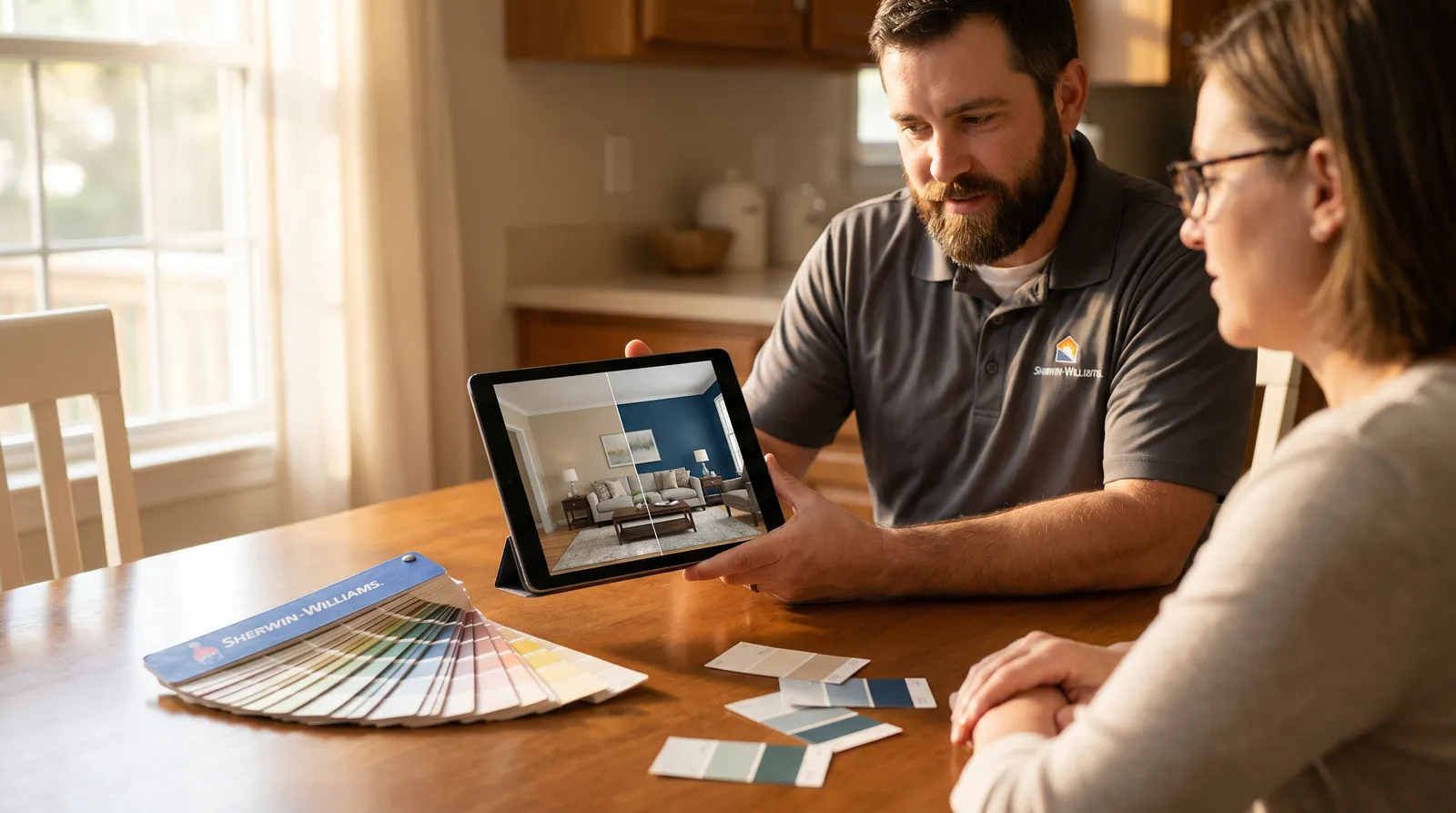
Three things Sherwin-Williams' visualizers don't do that contractors actually need:
1. They don't capture leads. ColorSnap Visualizer is a homeowner tool. When a homeowner uses it, the data stays on their phone. There's no way for the contractor whose website sent that homeowner to ColorSnap to know the homeowner tried colors at all. As lead-gen, it's invisible.
2. They don't organize by client. A painter running 12 estimates in a week needs every render saved against the right homeowner, with timestamps, photos, and the colors they tried. SW's tools save renders to the homeowner's account, not the painter's. When the painter sits down two weeks later to follow up, there's no record of what was tried.
3. They don't fit into the painter's sales workflow. No share link to send after the bid. No embed widget for the painter's website. No webhook into the painter's CRM. No render-limit controls. No dashboard. SW's tools are great if you're a homeowner playing on a Saturday morning. They're invisible in the painter's day-to-day.
These aren't flaws in SW's tools. SW's tools are designed for homeowner exploration and to drive paint sales at SW stores. Painter-workflow features were never the goal. The painter who tries to staple SW's homeowner visualizer onto their estimate flow ends up with a beautiful tool that solves the wrong problem.
Why exact color match isn't accurate (and what most visualizers get wrong)
Paint manufacturers publish color values under D65 lighting: neutral daylight, no tint, the controlled-lab reference standard. Real homes don't have D65 lighting. Indoor rooms have warm tungsten bulbs, daylight-balanced LEDs, fluorescent kitchens, north-facing windows that shift cool. Exterior walls have direct sun, deep shadow, golden-hour orange, overcast blue.
Most paint visualizers stamp the literal D65 reference value onto every pixel of the wall. That's an "exact match" and it's exactly wrong. The painter knows a homeowner's living room is going to look different at 2 PM than at 7 PM. The flat-sample visualizer shows the same color regardless.
Paintviz's render model accounts for the lighting in the customer's actual photo. The same Sherwin-Williams Naval renders one way in a north-facing dining room and a different way on a sunlit south exterior. The same Hale Navy looks different on a wall in shadow than the same wall in direct sun two hours later. The render captures that shift. The homeowner sees what the house will actually look like, not a flat color swatch laid over the photo.
For a homeowner browsing colors on a Saturday, exact-match is fine. For a painter spec'ing a $5,000 bid the homeowner can't reject after the job's done, lighting accuracy is what separates "looks great on the screen" from "looks great on the wall."
What a contractor-first Sherwin-Williams visualizer looks like
Paintviz is the visualizer painters use when they spec Sherwin-Williams. Same color palette (the actual SW catalog, not generic AI approximations of paint colors), but built around the painter workflow:
- Render during the estimate. Snap a photo with the phone in your pocket, generate a before/after in real Sherwin-Williams Naval or Hale Navy in 10 seconds, show the homeowner at the kitchen table.
- Share link after the bid. Send the homeowner a Paintviz link via text. They play with SW colors on their own time. Every render they make saves to your dashboard.
- Embed on your website. Drop an iframe on your site so visitors who care about Sherwin-Williams colors can try them on their own house photo. The moment they generate, you capture the lead.
- QR code on door hangers and flyers. Same share link, printed on the physical marketing you already do. Homeowner scans, opens the SW palette, generates a render, you capture the lead. No website required.
- Multi-user dashboard. Estimators, sales reps, and the owner all see incoming leads and renders organized by client. The "what did we decide again?" problem disappears.
Paintviz also ships Benjamin Moore, Behr, PPG, Dunn-Edwards, Farrow & Ball, and 6 other paint brand libraries so the same tool covers every job, regardless of which brand you spec.
Side-by-side: Sherwin-Williams' tools vs Paintviz for contractors
| Capability | SW Color Visualizer / ColorSnap | Paintviz |
|---|---|---|
| Real Sherwin-Williams palette | ✓ | ✓ |
| Render on customer's actual photo | ✓ | ✓ |
| Lighting-aware color rendering (not just D65 exact match) | ✗ | ✓ |
| Render saved to painter's dashboard | ✗ | ✓ |
| Share link with lead capture | ✗ | ✓ |
| Embeddable widget for painter's website | ✗ | ✓ |
| QR-code-on-physical-marketing flow | ✗ | ✓ |
| Multi-user team dashboard | ✗ | ✓ |
| Webhooks to your CRM (Zapier/direct) | ✗ | ✓ |
| Other paint brand palettes | ✗ | ✓ (12 brands) |
| Built for | Homeowner exploration | Contractor closing workflow |
| Cost | Free | $47/mo Essentials, 14-day free trial |
Sherwin-Williams' tools are the right answer for the homeowner spending a Saturday picking colors. Paintviz is the right answer for the painter trying to close more of those homeowners. Most painting contractors who spec Sherwin-Williams use both.
Try Paintviz on your next Sherwin-Williams estimate
14-day free trial, no card today. Use the actual Sherwin-Williams palette on tonight's walk-through and show the homeowner the finished house at the kitchen table. The 30-day refund-the-first-$47 guarantee covers you if it doesn't help close at least one extra job.