Two searches, one page
"Benjamin moore paint visualizer" gets typed by two different people. The homeowner who just left a Benjamin Moore store with a fan of Hale Navy chips and wants to see it on their own dining room. And the painting contractor who specs Aura and Regal Select every week and wants a visualizer that fits the estimate, not the browsing session. Benjamin Moore built a genuinely good tool for the first person. This page covers that tool honestly, then covers the gap it leaves for the second.
What Benjamin Moore's visualization tools do
Benjamin Moore's main tool is the Color Portfolio app for iPhone and Android, and it bundles four things:
A virtual fan deck. The full Benjamin Moore library in your pocket: Color Preview, Classics, Affinity, the Historical Collection, Off-Whites and the Designer Classics, browsable by family and collection.
A photo visualizer. Take or upload a room photo, tap a surface, and the app masks it and fills it with the color you picked. The tap-to-mask detection is among the better implementations in the manufacturer apps.
A video visualizer. Point the camera at the room and the app paints the walls live in augmented reality. A party trick with real utility: homeowners get an instant feel for a color before ordering a sample.
Color matching hardware. Pair the app with Datacolor's ColorReader device and it matches any real surface to the closest Benjamin Moore color. On jobsites, this one earns its keep matching existing walls a customer wants preserved.
There's also the Personal Color Viewer on benjaminmoore.com for browser-based photo uploads. Everything is free (the ColorReader hardware aside), and for homeowner exploration it's a strong toolkit. Benjamin Moore built it to keep people inside the Benjamin Moore catalog until they walk into a dealer, and it does that well.
The contractor gap
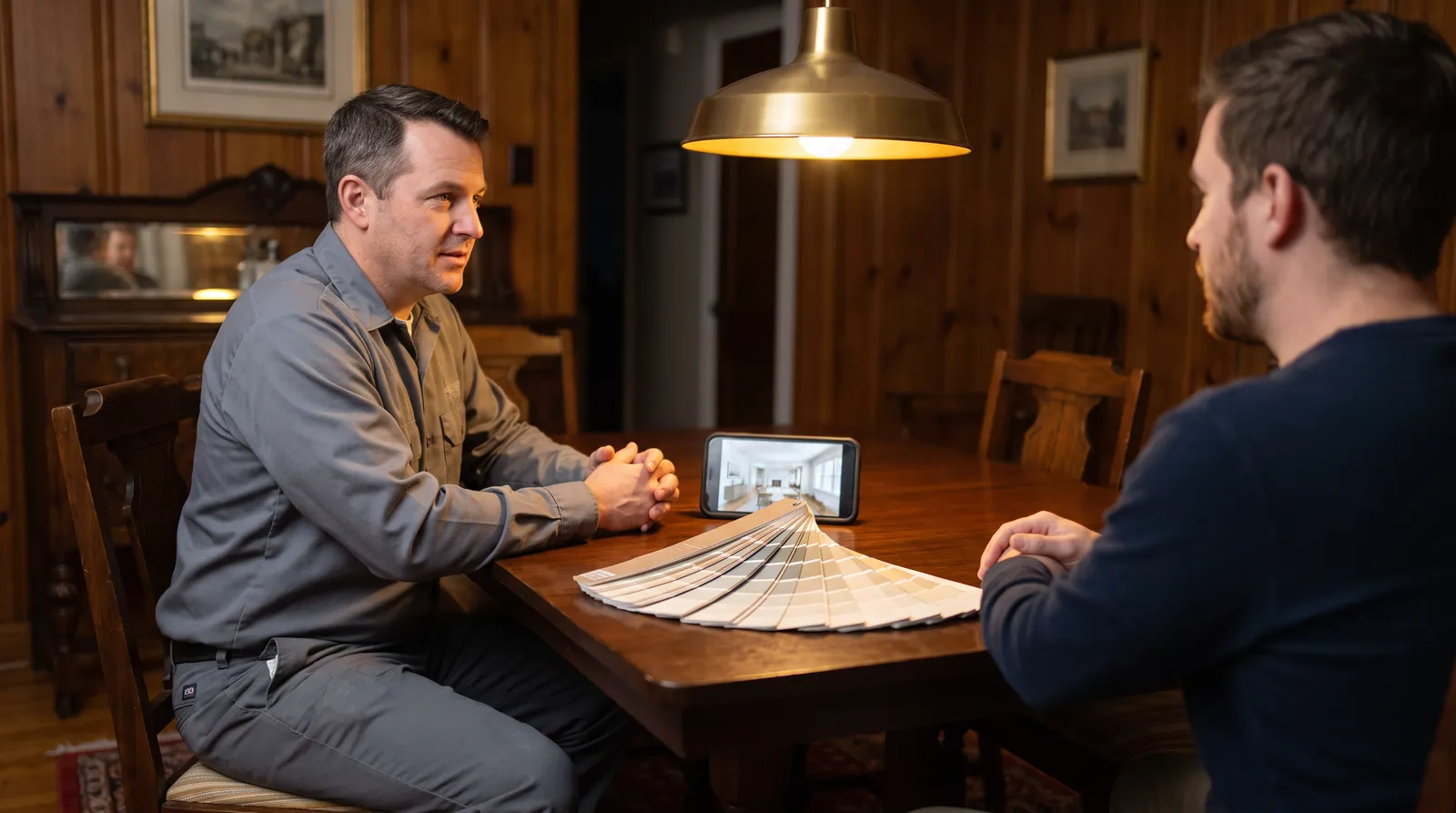
Run an estimate with Color Portfolio and the seams show in the same three places every manufacturer app shares.
Flat color, not finished-room color. The app applies the reference color value to the masked surface. It doesn't read the light in the customer's photo, so Hale Navy renders the same in a shadowed hallway as in a sunlit foyer. Painters know a color lives or dies by the light it sits in. The app doesn't.
The renders belong to the homeowner. Projects live in the customer's app on the customer's phone. Nothing routes back to you: no record of which colors they tried, nothing attached to your bid, no lead if they found the tool through your website.
No sales workflow. No share link for the post-bid follow-up text, no embed for your site, no dashboard organizing renders by customer, no way for your estimator and your painter to see the same approved color. It ends where your job begins.
Fair is fair: none of that is what Color Portfolio is for. It's a catalog tool, and a good one.
Benjamin Moore Color Portfolio vs Paintviz for contractors
| Capability | BM Color Portfolio | Paintviz |
|---|---|---|
| Real Benjamin Moore palette | ✓ | ✓ |
| Render on the customer's actual photo | ✓ | ✓ |
| Live AR preview mode | ✓ | ✗ |
| Jobsite color matching (with ColorReader hardware) | ✓ | ✗ |
| Lighting-aware rendering (not a flat swatch) | ✗ | ✓ |
| Renders saved to the painter's dashboard | ✗ | ✓ |
| Share link with lead capture | ✗ | ✓ |
| Embeddable widget for your website | ✗ | ✓ |
| QR code flow for printed marketing | ✗ | ✓ |
| Multi-user team dashboard | ✗ | ✓ |
| Webhooks to your CRM (Zapier/direct) | ✗ | ✓ |
| Other brand palettes (Sherwin-Williams, Behr, PPG...) | ✗ | ✓ (12 brands) |
| Built for | Homeowner color exploration | Contractor closing workflow |
| Cost | Free | $47/mo Essentials, 14-day free trial |
Notice the two rows Color Portfolio wins. If you need live AR in a showroom moment or hardware color matching on a jobsite, keep the app installed. Most painters who spec Benjamin Moore run both: the manufacturer's app for the catalog, Paintviz for the close.
Working a Benjamin Moore job with Paintviz
Paintviz ships the Benjamin Moore library (Aura, Regal Select, ben, the Historical Collection colors your designers ask for) next to 11 other brand palettes. On the walk-through, photograph the room, pick the exact Benjamin Moore color the homeowner has been circling, and show them the before and after on your phone in about 10 seconds, with the render reflecting the actual light in their room. Text the share link afterward so they can compare Hale Navy against Newburyport Blue on their own couch. Every render saves to your dashboard with the lead attached, so the follow-up call opens with "I saw you tried the darker navy."
Same tool, different brand next week: the Sherwin-Williams page and Behr page cover those libraries, and the exterior paint visualizer page covers how renders handle sun, shadow, and siding on outside work.
Try it on your next Benjamin Moore estimate
14-day free trial, no card today. Load the Benjamin Moore color your customer already loves, render their actual room at the kitchen table, and let them see the finished job before you've written the bid. The 30-day refund-the-first-$47 guarantee covers you if it doesn't help close at least one extra job.