Exterior is the hard version of the problem
Interior visualization is a solved problem. One room, controlled light, four walls in roughly the same plane. Exteriors are where visualizer tools go to die: direct sun on one elevation and open shade on another, brick that shouldn't get painted next to siding that should, roof lines, gutters, landscaping in front of everything, and a color decision that reads three shades lighter at house scale than it did on the chip. It's also the highest-stakes call in residential painting. An exterior repaint runs real money, the whole neighborhood sees the result, and nobody repaints a wrong color for free.
That's why "exterior paint visualizer" is its own search and its own tool category. This page covers what makes exteriors different, what the free tools do and where they quit, and how contractors use rendering to close exterior bids.
Why exterior visualization is harder than interior
Sun angle changes the color by the hour. A south elevation in direct afternoon sun and the same color on the shaded north side can read like two different paints. Any tool that stamps one flat color value across the whole house is showing a house that never exists in the real world.
Scale amplifies everything. Colors go lighter and brighter as the painted area grows. The taupe that looked calm on a 1-inch chip turns pink across 2,400 square feet of siding. Painters know to drop one or two shades darker than the chip the homeowner fell for; visualizers that render at true scale make that conversation easy instead of theoretical.
Exteriors are multi-surface. Body, trim, shutters, the front door, foundation, soffit and fascia. A useful exterior render keeps those as separate calls, because that's how the bid is written and how the scheme works or doesn't.
The surroundings are part of the scheme. Roof color, brick and stone accents, the driveway, the two oaks in the front yard, the neighbors' houses. A color that flatters a black roof can fight a brown one. Tools that mask away the surroundings hide the exact context the decision depends on.
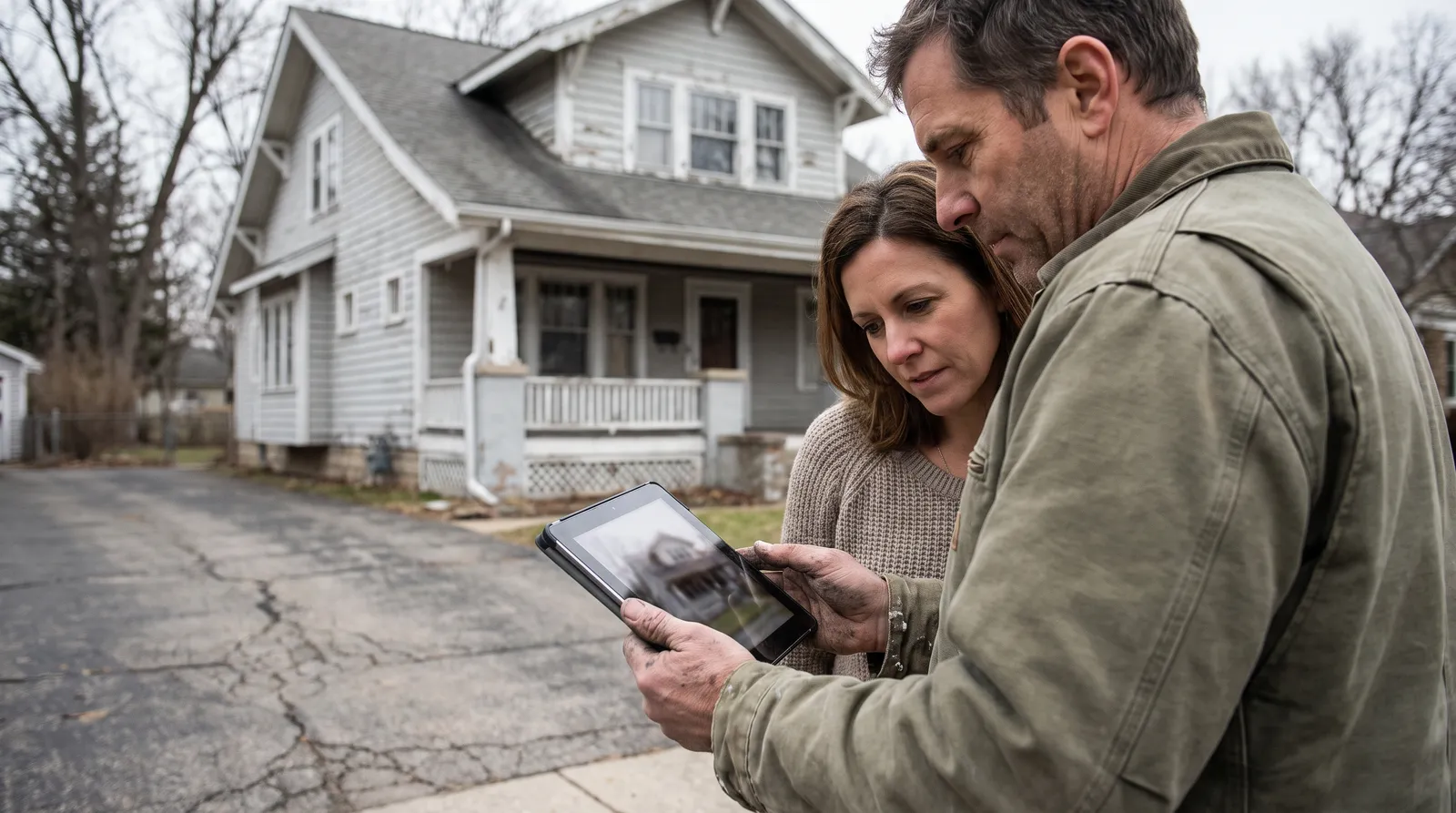
What the free tools do on exteriors
The three big manufacturer visualizers all technically handle exteriors, with the same homeowner-tool limits they have indoors, plus new ones the outdoors adds:
Sherwin-Williams ColorSnap and Color Visualizer. Upload an exterior photo and click SW colors onto it. Masking works on clean siding planes and struggles where brick, stone, and landscaping meet the paint. Flat color application, no sun and shadow awareness.
Behr Paint Your Place. Same upload-and-tap flow with the Behr palette and drawing tools to fix the masking by hand, which exteriors need often. Same flat-swatch rendering.
Benjamin Moore Color Portfolio. The app's tap-to-mask is among the better ones, and the AR mode is interior-oriented. Same flat color value, same one-brand catalog.
All three are free, all three are fine for a homeowner forming a shortlist, and all three leave the contractor problems untouched: no lighting realism, no lead capture, no dashboard, one brand each.
Exterior visualizers compared for contractor work
| Capability | SW ColorSnap | Behr Paint Your Place | BM Color Portfolio | Paintviz |
|---|---|---|---|---|
| Renders exterior photos | ✓ | ✓ | ✓ | ✓ |
| Sun, shadow, and lighting kept in the render | ✗ | ✗ | ✗ | ✓ |
| Handles siding, stucco, brick, trim as separate calls | Partial | Partial | Partial | ✓ |
| Body/trim/accent scheme in one render | Limited | Limited | Limited | ✓ |
| Brand palettes available | SW only | Behr only | BM only | 12 brands |
| Render saved to painter's dashboard with lead | ✗ | ✗ | ✗ | ✓ |
| Share link / QR / website embed | ✗ | ✗ | ✗ | ✓ |
| Cost | Free | Free | Free | $47/mo, 14-day trial |
The three exterior jobs where rendering closes the bid
HOA neighborhoods. The scheme has to clear an architectural review board before anyone opens a can. Render the approved-palette options on the actual house and the submission stops being three chips on a form and starts being a picture of the finished home. Boards approve pictures faster, and the painter who produced the render is standing right there when they do.
Historic homes. Period-appropriate schemes are a real discipline (the National Park Service's Preservation Briefs cover exterior paint on historic buildings for a reason), and owners of these houses are rightly nervous about getting the body-trim-sash combination wrong. Rendering two or three documented schemes on the actual facade turns a stressful, expensive guess into a decision the owner can sit with overnight.
Commercial and multi-unit. The decision-maker is a board, an owner group, or a franchise brand manager who isn't standing in front of the building. A render travels by email, gets three stakeholders to yes without a site visit, and beats a spec sheet in every approval meeting it enters.
How painters run exterior bids with Paintviz
Photograph the house from the street during the walk-through. Render the homeowner's shortlist as full schemes (body, trim, door) with the actual afternoon light still in the picture, and hand over the phone before you've measured the back side. Text the share link that evening; the homeowner tries more schemes from any of the 12 brand palettes, and every render lands in your dashboard attached to their contact. On jobs that need more than one yes, the render is what gets forwarded to the spouse, the HOA board, or the co-owner who couldn't make the walk-through.
Exterior bids are the biggest tickets most residential painters write. Showing the finished house before the bid is signed is the cheapest edge available on them.
Try it on your next exterior estimate
14-day free trial, no card today. Render the whole exterior, in the house's actual light, at the first walk-through. The 30-day refund-the-first-$47 guarantee covers you if it doesn't help close at least one extra job.